
Your week starts with what you already have
Connect your nutrition plan to the food in your fridge, then see what belongs on your grocery list.
Plan meals around your goals
Review what’s in your fridge
Shop for what’s missing
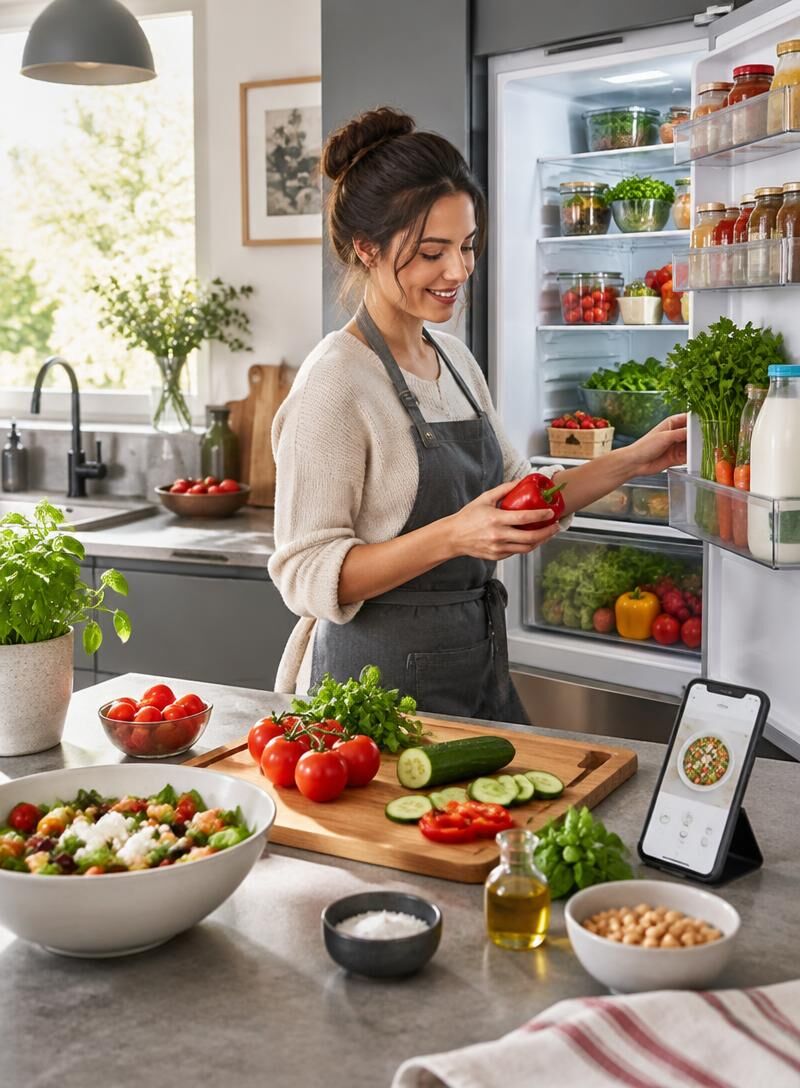
Plan around your goals and your routine
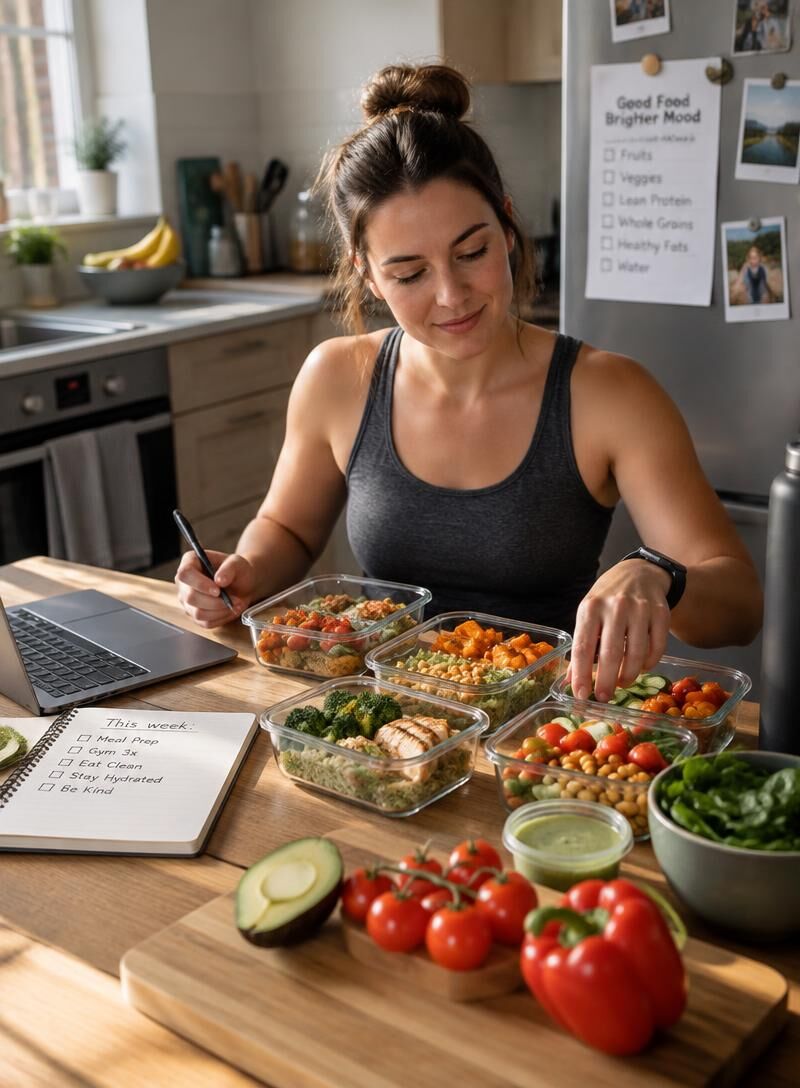
Review your weekly meals
Start with a personalized nutrition plan shaped by your eating goals, preferences, and schedule. Look over the week’s meals before putting the plan to use.
Adjust preferences and portions
Make changes to meal preferences and portion sizes so the plan better fits how you want to eat.
Keep the week practical
Check that your planned meals fit the time and routine you have, then make adjustments before preparing your week.
See what you already have
Take a photo of your fridge, and Heat creates a draft of the food it can see. It’s a convenient starting point, not a confirmed inventory: review each suggested item’s identity and quantity, correct mistakes, and add anything missing before you confirm.

From fridge photo to confirmed inventory
Scan your fridge
Take a photo of your open fridge to create a draft list of visible food.
Review suggestions
Check suggested items and quantities. Correct anything inaccurate and add items the photo missed.
Confirm your inventory
When the list reflects what you have, confirm it so Heat can use it with your active nutrition plan.
What you have and what you need
Compared against your plan
Already available
Still needed
Already available: confirmed fridge inventory
Still needed: active plan ingredients
What appears on your list
Already available: ingredients you can use
Still needed: ingredients to buy
Already available: check before shopping
Still needed: add to your grocery list
How to use the results
Already available: plan meals with food at home
Still needed: shop for missing items
Already available: avoid buying duplicates
Still needed: supermarket links may appear when available
Make your weekly plan easier to follow
Stay on track
Connect planned meals to the ingredients you have at home.
Shop with a clearer list
See which ingredients your active plan still requires.
Plan faster
Turn confirmed fridge contents into a focused weekly grocery list.
Use what is available
Check your inventory before deciding what to buy.
Avoid unnecessary replacements
Keep ingredients you already own off your shopping list.
Keep meals practical
Match your plan to the food you can use this week.
Review before shopping
Confirm suggested fridge items so your list starts with accurate information.
Buy what is missing
Focus your next shop on ingredients your planned meals need.
Your photo stays your choice
Heat begins analyzing a fridge photo only after you give consent. You decide whether to use a photo to help draft your inventory.
Suggestions need a second look
A photo may not show every item clearly, and Heat may suggest the wrong food or quantity. Treat the results as a draft, not a complete record of what is in your fridge.
Confirm what is actually there
Review every suggestion, correct any mistakes, and add anything the photo missed. Your inventory is confirmed only when you are satisfied it reflects the food you have.
Build your week around what you already have.
Have a question about Heat or how it turns your confirmed fridge inventory into a focused grocery list? Contact Healthy Eat to learn how the service works.